
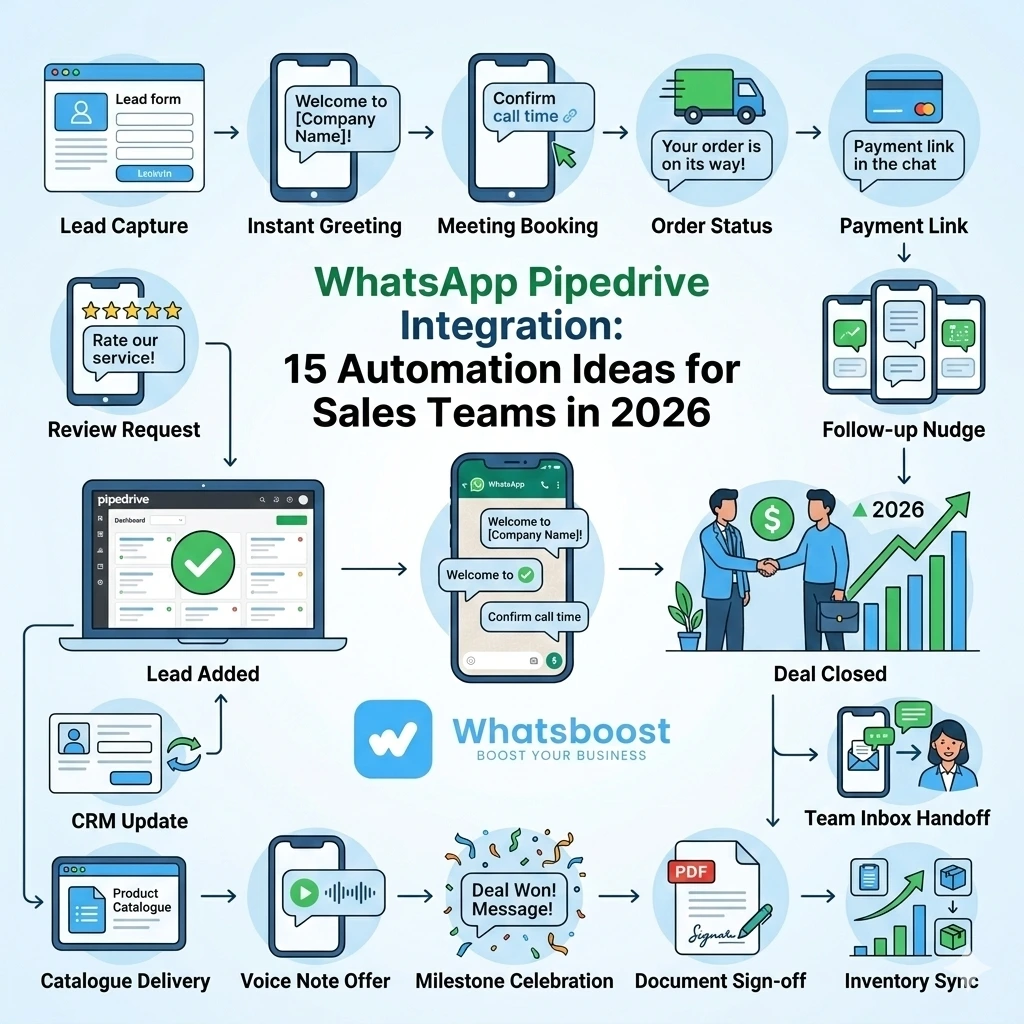
WhatsApp Pipedrive Integration: 15 Automation Ideas for Sales Teams in 2026 | Whatsboost
Discover 15 powerful WhatsApp Pipedrive integration automation ideas for sales teams in 2026. Learn how to automate lead follow-ups, deal updates, and pipeline management using Whatsboost's WhatsApp Business API.
Sales teams that rely on Pipedrive to manage their pipeline already have one powerful tool in their corner. But here is the gap most teams have not closed yet: Pipedrive tracks what is happening in the pipeline, but WhatsApp is where customer conversations actually take place. When these two systems operate independently, sales velocity slows, follow-ups get missed, and deals stall silently in stages they should have moved through weeks ago.
Integrating WhatsApp with Pipedrive — powered by Whatsboost's WhatsApp Business API — closes this gap completely. It creates a live connection between your CRM data and your most responsive communication channel, enabling sales teams to automate the right message to the right person at exactly the right stage of the deal.
Here are 15 practical WhatsApp Pipedrive integration automation ideas that sales teams can implement today.
The Foundation: Why WhatsApp + Pipedrive Works for Sales Teams
Pipedrive is built around deal stages and pipeline visibility. WhatsApp is built around instant, personal communication. Together, they create an automation environment where every stage transition, every new lead, and every stalled deal can trigger a precisely targeted WhatsApp message — to the prospect, the assigned sales rep, or the sales manager — automatically.
Whatsboost provides the WhatsApp Business API layer that makes this possible, connecting to Pipedrive via webhooks or automation platforms like Zapier, Make, or Pabbly Connect. No heavy development required. Visit Whatsboost.in to explore the platform.
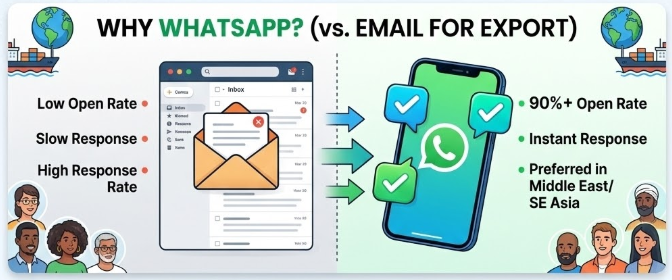
15 WhatsApp Pipedrive Automation Ideas for Sales Teams
Lead and Prospecting Automations
1. Instant WhatsApp Alert When a New Lead Enters Pipedrive
The moment a new contact or deal is added to Pipedrive — from a web form, an ad, or manual entry — the assigned sales rep receives an instant WhatsApp notification with the lead's name, contact details, and source. Response time drops from hours to minutes.
2. Automated Welcome Message to New Leads
When a new deal enters your Pipedrive pipeline, Whatsboost automatically sends a personalised WhatsApp message to the lead — addressing them by name, referencing their inquiry, and setting a clear expectation for next steps. The lead feels acknowledged before a human rep has even opened their laptop.
3. Lead Source Tagging Notification to Sales Manager
When a high-value lead source — such as a paid campaign or a referral — generates a new Pipedrive deal, an automated WhatsApp alert goes to the sales manager flagging the source and deal details for priority attention.
Deal Stage and Pipeline Automations
4. WhatsApp Notification When a Deal Moves to a New Stage
Every time a Pipedrive deal advances from one stage to the next — "Qualified" to "Proposal Sent," for example — the assigned sales rep receives a WhatsApp update confirming the movement and prompting the next action. The pipeline stays moving.
5. Automated Proposal Follow-Up Message to Prospect
When a deal enters the "Proposal Sent" stage in Pipedrive, a WhatsApp message is automatically sent to the prospect 48 hours later — checking if they have reviewed the proposal and inviting any questions. This follow-up alone recovers a significant number of stalled deals.
6. Deal Won Celebration Alert to the Sales Team
When a deal is marked "Won" in Pipedrive, an automated WhatsApp message goes to the entire sales team celebrating the win and noting the deal value. Team morale and motivation are maintained without a single manual message from the manager.
7. Deal Lost Notification With Context to Sales Manager
When a deal is marked "Lost" in Pipedrive, the sales manager receives an automatic WhatsApp notification including the deal name, value, and the reason recorded in Pipedrive — enabling rapid review and coaching without a formal debrief meeting.
Follow-Up and Nurture Automations
8. Stalled Deal Escalation Alert
If a Pipedrive deal has not moved stages within a defined number of days, an automated WhatsApp alert goes to the assigned sales rep and their manager — flagging the stalled deal and prompting immediate action before the opportunity goes cold permanently.
9. Scheduled Follow-Up Reminder to Sales Rep
When a follow-up activity is logged in Pipedrive, Whatsboost sends a WhatsApp reminder to the sales rep 30 minutes before the scheduled time — ensuring no follow-up call or meeting is missed due to a busy day.
10. Re-Engagement Message for Dormant Leads
Deals that have been inactive in Pipedrive for 30 days or more trigger an automated WhatsApp re-engagement message to the prospect — a personalised, low-pressure touchpoint that revives cold conversations without requiring the sales rep to manually sift through their pipeline for dormant deals.
Customer Communication Automations
11. Automated Meeting Confirmation to Prospect
When a meeting or demo is scheduled and logged in Pipedrive, an automated WhatsApp confirmation is sent to the prospect with the date, time, and meeting link — and a reminder follows 24 hours before the appointment. No-show rates drop significantly.
12. Post-Demo Follow-Up Message
Within 30 minutes of a Pipedrive activity being marked as "Demo Completed," an automated WhatsApp message goes to the prospect thanking them for their time, summarising the key points discussed, and providing a clear next step — keeping momentum alive at the most critical moment in the sales cycle.
13. Contract or Agreement Reminder
When a deal is in the "Negotiation" or "Contract Sent" stage and no movement has occurred for three days, an automated WhatsApp nudge goes to the prospect — a professional, friendly reminder that keeps the deal progressing without the rep needing to make an uncomfortable follow-up call.
Reporting and Management Automations
14. Daily Pipeline Summary to Sales Manager on WhatsApp
Every morning, an automated WhatsApp message is sent to the sales manager summarising the current Pipedrive pipeline — total deals by stage, deals closing this week, and high-priority deals that need attention. The manager starts every day with a complete picture of the pipeline without opening a single report.
15. Weekly Individual Performance Update to Each Sales Rep
Every Friday, each sales rep receives a personalised WhatsApp message summarising their individual Pipedrive performance for the week — deals closed, deals moved, activities completed, and deals still open. This replaces the weekly sales review meeting for basic performance tracking and keeps every rep accountable and self-aware heading into the next week.
Setting Up WhatsApp Pipedrive Integration With Whatsboost
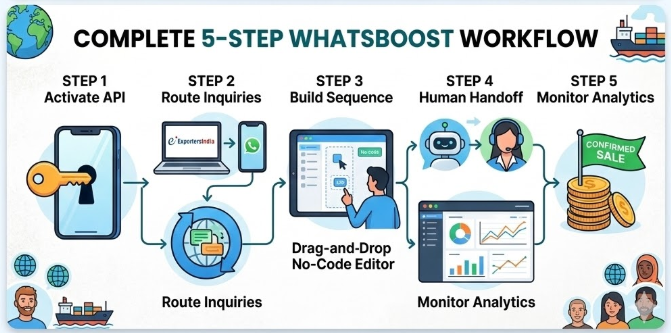
Implementing these automation ideas requires three straightforward components:
WhatsApp Business API via Whatsboost — Whatsboost activates your WhatsApp Business API as an authorised provider, giving your sales team the messaging infrastructure these automations run on.
Pipedrive Webhooks or Automation Platform Connection — Pipedrive's native webhook functionality or a no-code automation platform like Zapier or Make connects Pipedrive deal events to Whatsboost's WhatsApp API — triggering the right message for the right event automatically.
Pre-Approved WhatsApp Message Templates — The WhatsApp Business API requires approved templates for outbound messages. Whatsboost guides your team through creating and approving templates for each automation idea, ensuring every message is compliant and ready to send.
Once configured, these workflows run entirely on autopilot — freeing your sales team to focus on selling rather than managing communication logistics.
Best Practices for WhatsApp Pipedrive Automation
Start with your highest-impact automations first. The stalled deal escalation alert, the instant new lead notification, and the proposal follow-up message typically deliver the fastest, most measurable ROI. Implement these three before expanding to the full list.
Keep automated messages conversational, not corporate. WhatsApp is a personal channel. Messages that sound like CRM notifications will be ignored. Write every template in the voice your sales reps would use in a real conversation with that prospect.
Always pause automation when a live conversation is active. Configure Whatsboost so that scheduled follow-up messages do not fire mid-conversation. A well-timed automated message at the wrong moment in a live dialogue can damage the relationship the rep has been building.
Use Whatsboost's shared inbox to manage all inbound responses. When prospects reply to automated WhatsApp messages, every response lands in Whatsboost's shared team inbox — where the assigned sales rep can take over immediately with full context. Learn more at Whatsboost.
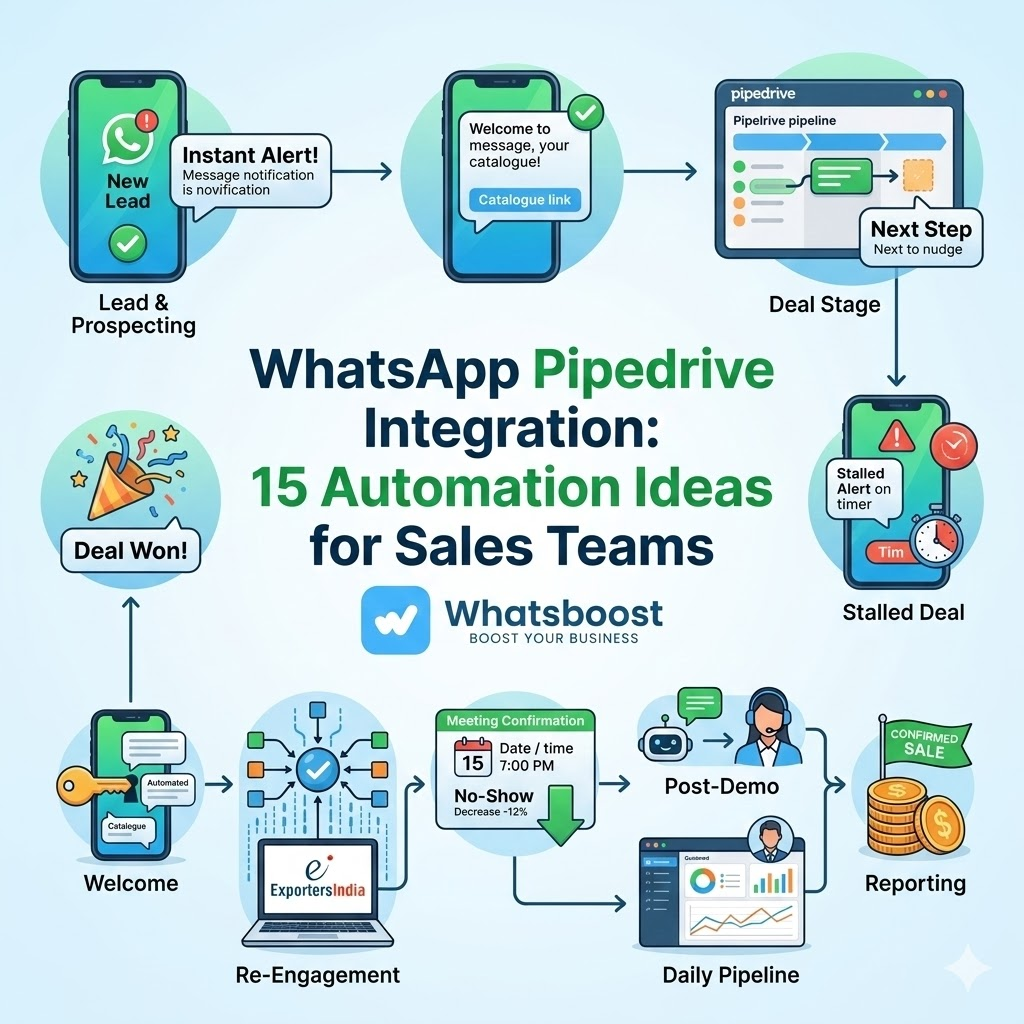
FAQs: WhatsApp Pipedrive Integration Automation for Sales Teams
Q1. Does Pipedrive have a native WhatsApp integration? Pipedrive does not offer a direct native WhatsApp integration, but its webhook and API capabilities allow seamless connection to WhatsApp via automation platforms like Zapier or Make, combined with Whatsboost's WhatsApp Business API — creating a fully functional automated workflow without any custom development.
Q2. Can I implement all 15 automation ideas simultaneously? Yes, technically — but it is best practice to roll out automations in phases. Start with three to five high-impact workflows, validate their performance, and expand gradually. This approach makes troubleshooting easier and ensures your sales team adopts the new system smoothly.
Q3. Will prospects know they are receiving automated WhatsApp messages? If your templates are written conversationally and personalised with deal-specific data from Pipedrive, most prospects will not distinguish automated messages from personally written ones. The key is natural language, specific personalisation, and contextual relevance.
Q4. Can these automations be configured for different sales teams with different Pipedrive pipelines? Yes. Whatsboost supports multiple concurrent automation workflows, allowing you to build separate WhatsApp automation sets for different sales teams, product lines, or Pipedrive pipeline configurations — each with their own triggers, templates, and recipients.
Q5. What happens when a prospect replies to an automated WhatsApp message? Replies are captured instantly in Whatsboost's shared team inbox. The assigned sales rep receives a notification and can take over the conversation directly — with full automation history visible — ensuring no response from a prospect goes unnoticed or unanswered.
Q6. Can sales managers use WhatsApp Pipedrive automation for team performance tracking? Absolutely. The daily pipeline summary, weekly performance updates, deal won and lost alerts, and stalled deal escalations in our list of 15 ideas are all specifically designed for sales management — giving managers real-time pipeline visibility and team accountability through WhatsApp without additional reporting overhead.
Your Pipeline Deserves a Communication Layer That Keeps Up With It
Pipedrive gives your sales team the structure to manage deals. WhatsApp gives your team the channel to close them. Together — powered by Whatsboost — they create a sales automation system where every lead is acknowledged instantly, every deal stage triggers the right message, and every rep always knows exactly what to do next.
The 15 automation ideas in this guide are not theoretical — they are practical, implementable workflows that sales teams are using right now to close more deals faster with less manual effort.
Visit Whatsboost and start building your WhatsApp Pipedrive automation stack today.
Want to automate WhatsApp for your business?
Set up campaigns, replies, and follow-ups in minutes.