
No API Doesn’t Mean No Control: समझिए WhatsBoost कैसे करता है WhatsApp Automation Without Official API
जानिए WhatsBoost बिना official WhatsApp Business API के automation कैसे enable करता है। Learn how no-API WhatsApp automation helps businesses with broadcasts, CRM workflows, lead management और automation systems.
“WhatsApp Automation करना है तो API जरूरी है” — क्या यह सच है? 🤔
जब businesses WhatsApp automation शुरू करना चाहते हैं, तब उन्हें अक्सर यही सुनने को मिलता है:
- Meta approval चाहिए
- Business API चाहिए
- developers चाहिए
- server setup चाहिए
- templates approve करवाने होंगे
- per-message cost लगेगा
और यहीं बहुत सारे SMEs, coaches, agencies और local businesses रुक जाते हैं।
क्योंकि उन्हें लगता है:
“Automation सिर्फ बड़े enterprises के लिए है.”
लेकिन reality बदल चुकी है।
आज no-API WhatsApp automation systems businesses को बिना official API complexity के भी powerful workflows build करने दे रहे हैं।
और WhatsBoost इसी category में एक practical automation ecosystem provide करता है।
No-API WhatsApp Automation आखिर होता क्या है?
Simple language में:
No-API automation मतलब ऐसा system जो Meta के official WhatsApp Business API पर completely depend नहीं करता।
Instead, workflows alternate integration approaches use करते हैं — commonly WhatsApp Web based automation logic.
इसका मतलब यह नहीं कि automation weak हो जाता है।
बल्कि कई businesses के लिए यह faster और simpler option बन जाता है।
Businesses Official API से Frustrated क्यों होते हैं? 😓
Official API powerful है — लेकिन हर business के लिए practical नहीं होता।
Common challenges:
❌ Meta approvals
❌ technical setup
❌ developer dependency
❌ hosting requirements
❌ template restrictions
❌ per-message pricing
❌ onboarding delays
WhatsBoost blog के अनुसार कई SMEs को setup process overly complex लगता है compared to their actual automation needs.
Reddit discussions में भी founders ने mention किया कि WhatsApp API setup MVP-stage businesses के लिए “overkill” feel होता है।
WhatsBoost Without Official API कैसे काम करता है? 🚀
WhatsBoost browser-based automation approach use करता है जो WhatsApp Web workflows के साथ integrate करता है।
Simple explanation:
- WhatsApp Web connected रहता है
- triggers monitor होते हैं
- workflows execute होते हैं
- messages automate होते हैं
- CRM updates sync होते हैं
यह approach businesses को allow करता है:
✅ faster setup
✅ no-code workflows
✅ automation triggers
✅ CRM integration
✅ broadcasts
✅ lead workflows
✅ group automation
without traditional API complexity.
“No API” का मतलब “No Control” क्यों नहीं है? 📌
यहीं सबसे बड़ा misconception होता है।
बहुत लोग सोचते हैं:
“No API = limited functionality”
लेकिन practical reality अलग है।
WhatsBoost जैसे systems कई core automation capabilities replicate कर सकते हैं:
- trigger-based messaging
- lead routing
- CRM syncing
- broadcasts
- onboarding workflows
- follow-up sequences
- automation triggers
WhatsBoost कौन-कौन से Automation Workflows Support करता है?
1. Trigger-Based Messaging
Example:
जब कोई user:
- Google Form submit करे
- lead form भरे
- inquiry करे
- landing page action ले
तुरंत automated WhatsApp workflow शुरू हो सकता है।
Related guide:
Automated WhatsApp replies from Google Forms
2. CRM Integration Without Official API
Businesses अब अपने existing CRM को WhatsApp workflows से connect कर रहे हैं।
Examples:
- lead tracking
- follow-ups
- pipeline movement
- reminders
- customer history
Useful guide:
CRM WhatsApp integration guide
और यह भी:
Existing CRM integration without API
3. Multi-Account Management
WhatsBoost multiple WhatsApp accounts connect करने की flexibility देता है।
यह useful है:
- agencies
- multi-brand businesses
- sales teams
- regional teams
4. Group Automation
Official API traditionally groups support करने में limited रहा है।
इसीलिए कई businesses no-API group workflows explore कर रहे हैं।
WhatsBoost group automation support करता है:
- automated group creation
- onboarding workflows
- scheduled messaging
- retention workflows
- community automation
Useful resources:
WhatsApp Group API automation guide
Automated WhatsApp group creation guide
WhatsApp group retention strategies
No-API Automation किन Businesses के लिए सबसे Useful है?
Coaches & Educators
Use cases:
- onboarding
- reminders
- cohort groups
- session alerts
Agencies
Useful for:
- lead follow-ups
- campaign workflows
- multiple client numbers
- CRM sync
Sales Teams
Automation help करता है:
- faster responses
- lead routing
- qualification
- follow-ups
Lead scoring guide:
WhatsApp lead scoring automation
E-commerce Businesses
Popular workflows:
- abandoned cart reminders
- order updates
- COD confirmations
- repeat purchase campaigns
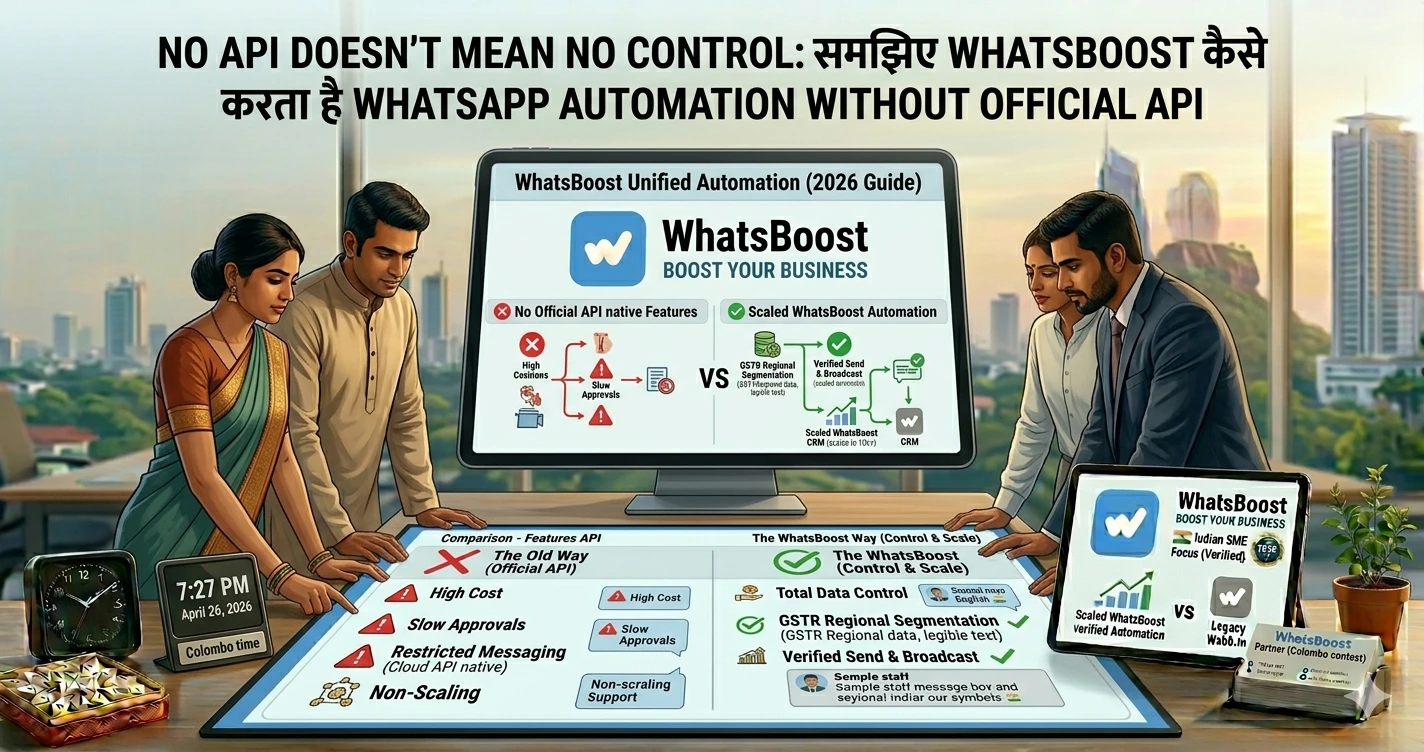
Official API vs No-API Automation: Practical Comparison
| Feature | Official API | WhatsBoost No-API Approach |
|---|---|---|
| Meta approval | Required | Not always required |
| Setup complexity | High | Lower |
| Developer dependency | Often needed | Minimal |
| Template approvals | Required | More flexible |
| Setup speed | Slower | Faster |
| CRM integrations | Yes | Yes |
| Group automation | Limited | More flexible |
| Per-message cost | Often applicable | Lower operational friction |
Information based on WhatsBoost technical explanation articles.
Does No-API Mean “Unsafe”? ⚠️
यहाँ balanced understanding जरूरी है।
कुछ unofficial bulk automation approaches risky हो सकते हैं अगर businesses:
- spam करें
- random blasting करें
- opt-in ignore करें
- unnatural behavior करें
Reddit users ने भी warning दी कि irresponsible automation approaches bans trigger कर सकती हैं।
इसीलिए best practices follow करना जरूरी है।
Safe No-API Automation Best Practices ✅
Only Opt-In Users को Message करें
Spam avoid करें।
Human-Like Messaging रखें
Natural communication better perform करती है।
Aggressive Bulk Blasting Avoid करें
Gradual engagement safer होता है।
CRM Tracking Use करें
Proper workflows random messaging से better होते हैं।
Conversation tracking guide:
Conversation and deal tracking guide
Hybrid Automation रखें
Automation:
- reminders
- onboarding
- FAQs
Humans:
- sales closing
- support escalation
- negotiations
WhatsBoost का Real Advantage क्या है? 🔥
WhatsBoost सिर्फ “bulk sender” नहीं है।
यह workflow-focused ecosystem है।
Businesses इसमें build कर सकते हैं:
- CRM pipelines
- lead nurturing
- broadcasts
- onboarding systems
- support workflows
- community automation
- AI workflows
- trigger-based messaging
और यही चीज इसे सिर्फ messaging tool से अलग बनाती है।
Advanced No-API Automation Strategies
Google Sheets + WhatsApp Automation
Businesses spreadsheets से directly workflows automate कर रहे हैं।
Guide:
Google Sheets WhatsApp integration guide
n8n + WhatsApp Workflows
Advanced users custom automation build कर सकते हैं।
Guide:
n8n WhatsApp integration guide
AI + WhatsApp Automation
AI workflows अब use हो रहे हैं:
- FAQs
- lead qualification
- smart routing
- auto responses
Guide:
Gemini WhatsApp integration guide
Common Mistakes Businesses करते हैं ❌
1. सोचते हैं “API नहीं = Weak System”
असल में workflow design ज्यादा important होता है।
2. Random Bulk Messaging करना
यह long-term risky होता है।
3. CRM Ignore करना
Without CRM:
- leads lost होते हैं
- follow-ups टूटते हैं
- visibility कम हो जाती है
4. Automation को Spam बना देना
Automation helpful होना चाहिए, annoying नहीं।
5. सिर्फ Cheap Tool देखकर Decision लेना
Long-term scalability ज्यादा important है।
Pro Tips Before Choosing Any WhatsApp Automation System 💡
पहले अपना Use Case Define करें
क्या चाहिए?
- broadcasts?
- CRM?
- group automation?
- onboarding?
- support workflows?
- lead nurturing?
Workflow Flexibility Check करें
Basic messaging ≠ scalable automation
Future Scaling सोचें
आज small workflows हैं।
कल team grow होगी।
क्या system scale करेगा?
Community Features Ignore मत करें
WhatsApp groups और communities engagement में huge role play कर रहे हैं।
Final Conclusion
“No API means no control” — यह mindset अब outdated हो चुका है।
आज businesses practical automation चाहते हैं:
✅ faster setup
✅ lower complexity
✅ CRM workflows
✅ scalable communication
✅ broadcasts
✅ lead nurturing
✅ group automation
और WhatsBoost जैसे no-API workflow systems SMEs, agencies, educators और growing businesses को यही flexibility provide कर रहे हैं।
हाँ, official API का अपना place है — especially enterprise-scale regulated setups के लिए।
लेकिन हर business को enterprise-level infrastructure की जरूरत नहीं होती।
कई businesses के लिए:
- speed
- simplicity
- workflow flexibility
- affordability
ज्यादा important होते हैं।
और यही reason है कि no-API WhatsApp automation तेजी से popular हो रहा है।
Want to automate WhatsApp for your business?
Set up campaigns, replies, and follow-ups in minutes.